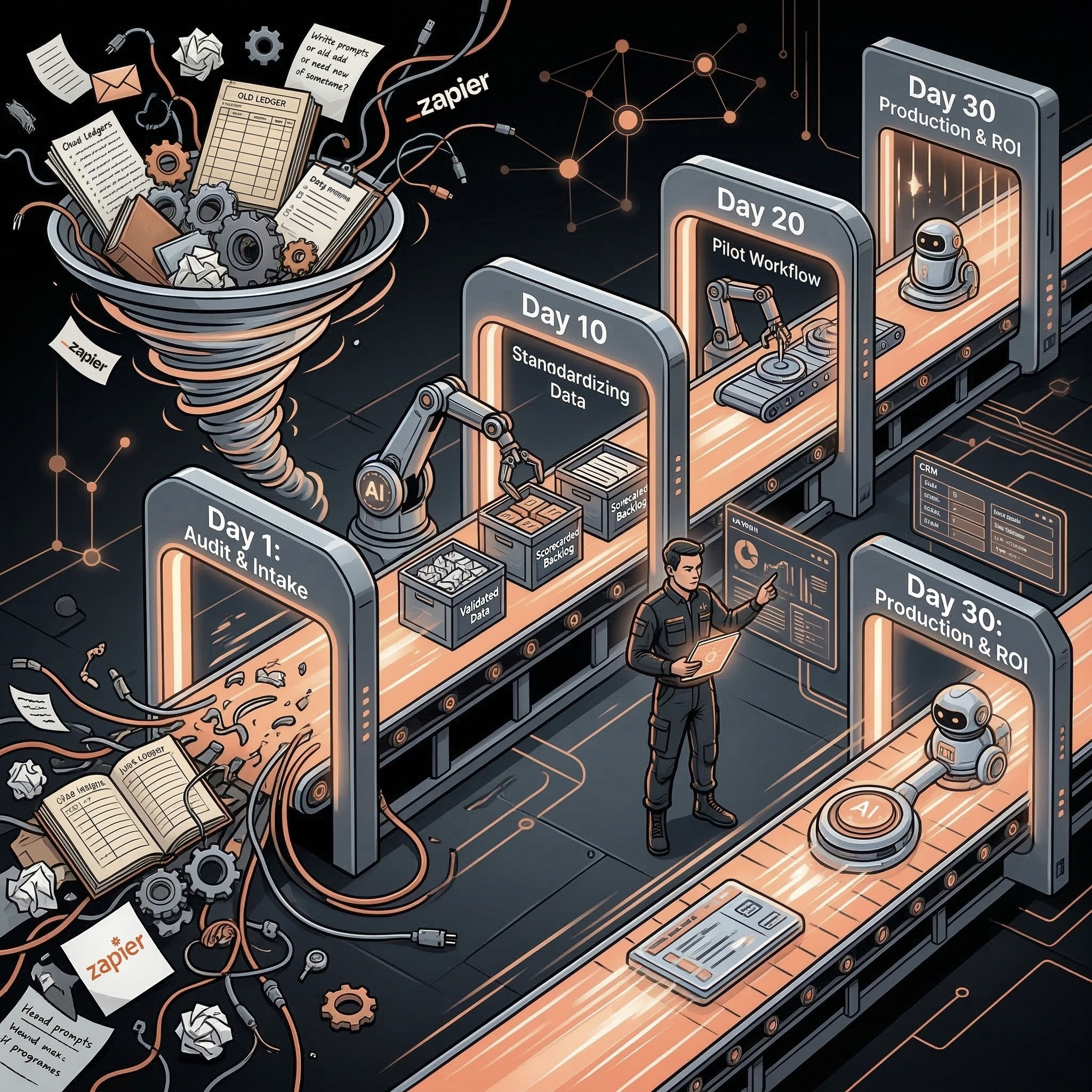
A CRM automation ROI calculator estimates the value of reducing manual CRM work, improving lead routing, cleaning duplicate or missing fields, speeding follow-up, and improving pipeline reporting. SMBs should calculate labor savings, recovered opportunities, reporting accuracy, cycle-time reduction, and implementation cost before automating CRM workflows.
Playbook
Have a workflow to improve?
Discuss an automation project
Working on post-call CRM? Run the free readiness check
A CRM automation ROI calculator estimates the value of reducing manual CRM work, improving lead routing, cleaning duplicate or missing fields, speeding follow-up, and improving pipeline reporting. SMBs should calculate labor savings, recovered opportunities, reporting accuracy, cycle-time reduction, and implementation cost before automating CRM workflows.
Use the AI automation ROI calculator to compare CRM cleanup, routing, and follow-up as separate scenarios before funding a build.
CRM automation ROI is often hidden because the cost is spread across sales reps, managers, RevOps, and founders.
The visible problem is messy data. The expensive problem is slower follow-up, bad handoffs, weak reporting, and time spent fixing records instead of selling.
CRM ROI Formula
Value driver: Admin time saved; Formula: Manual CRM hours saved x loaded hourly cost
Value driver: Faster lead response; Formula: Extra qualified leads reached x expected contribution
Value driver: Cleanup value; Formula: Bad records fixed x average manual cleanup time
Value driver: Reporting value; Formula: Manager reporting hours saved x hourly cost
Value driver: Handoff value; Formula: Reduced missed tasks or owner confusion
Value driver: Net monthly value; Formula: Total monthly value - software - maintenance - review time
Use conservative assumptions. CRM automation should make the revenue process more reliable, not just produce a pretty workflow diagram.
CRM Automation ROI Inputs
Input: New leads per month; Why it matters: Determines routing and follow-up volume
Input: Manual minutes per lead; Why it matters: Baseline for follow-up and enrichment savings
Input: CRM records cleaned per month; Why it matters: Baseline for cleanup value
Input: Duplicate rate; Why it matters: Shows how much merge/review work exists
Input: Missing-field rate; Why it matters: Shows reporting and routing friction
Input: Sales manager reporting time; Why it matters: Captures hidden weekly cost
Input: Average opportunity value; Why it matters: Helps estimate recovered revenue
Input: Review time; Why it matters: Keeps ROI realistic
If these inputs are unknown, start with a CRM audit before building automation.
Workflow ROI Table
CRM workflow: Lead routing; Value signal: Faster owner assignment; Human control: Review edge cases
CRM workflow: Lead follow-up draft; Value signal: Faster response; Human control: Human approves send
CRM workflow: Missing field cleanup; Value signal: Better reporting; Human control: Approve high-risk fields
CRM workflow: Duplicate detection; Value signal: Cleaner database; Human control: Human approves merge
CRM workflow: Pipeline summary; Value signal: Less manager prep; Human control: Manager interprets forecast
CRM workflow: Stale deal alert; Value signal: More accurate pipeline; Human control: Owner confirms next step
CRM automation should not silently rewrite strategic revenue data. The best workflows combine AI preparation with human approval.
Example CRM ROI Scenario
Metric: Leads per month; Example: 250
Metric: Manual minutes saved per lead; Example: 4
Metric: Sales/admin hours saved; Example: 16.7
Metric: Loaded hourly cost; Example: $60
Metric: Labor savings; Example: $1,002
Metric: Manager reporting hours saved; Example: 8
Metric: Reporting savings; Example: $480
Metric: Estimated recovered opportunity value; Example: $2,000
Metric: Gross monthly value; Example: $3,482
Then subtract tools, maintenance, and review time. The net value is what should drive the build decision.
CRM Automation Risks
• Silent merges can destroy history.
• Bad enrichment can pollute records.
• Wrong owner changes can break accountability.
• Automated follow-up can send the wrong promise.
• Source attribution changes can distort reporting.
• Too many alerts can train the team to ignore the system.
Start with recommendations and review queues. Promote actions only after the workflow proves reliable.
CRM ROI Inputs by Workflow
Different CRM workflows need different inputs. Mixing them together makes the ROI estimate vague.
Workflow: Lead routing; Required inputs: Lead source, territory, company, owner rules; Success metric: Time to owner assignment
Workflow: Follow-up draft; Required inputs: Lead context, lifecycle stage, rep owner, last activity; Success metric: Time to first response
Workflow: CRM cleanup; Required inputs: Required fields, duplicate rules, stale record rules; Success metric: Records corrected or reviewed
Workflow: Pipeline reporting; Required inputs: Stage, amount, close date, owner, activity; Success metric: Manager reporting time saved
Workflow: Stale deal alerts; Required inputs: Last activity, stage age, next step; Success metric: Deals with updated next step
This is why CRM automation should usually start with one workflow. Cleanup, routing, follow-up, and reporting may share data, but they do not share the same risk profile.
Payback Bands for CRM Automation
Payback period: Under 3 months; What it usually means: Strong candidate if permissions are controlled
Payback period: 3-6 months; What it usually means: Good candidate if the workflow supports revenue quality
Payback period: 6-12 months; What it usually means: Needs stronger strategic reason
Payback period: Over 12 months; What it usually means: Usually not first-priority for an SMB
Fast payback usually comes from workflows that happen daily and remove repeated rep, manager, or RevOps effort.
Approval Rule
CRM automation should earn more autonomy over time. Start by recommending changes, then move to low-risk field updates, and keep destructive changes in a review queue. If the ROI depends on silent merges, owner changes, or unreviewed outbound messages, the risk-adjusted ROI is probably overstated.
Related Resources
• AI RevOps and CRM automation:AI RevOps and CRM automation
• AI CRM cleanup automation:AI CRM cleanup automation
• AI lead follow-up automation:AI lead follow-up automation
• HubSpot AI automation for SMBs:HubSpot AI automation for SMBs
• AI automation ROI calculator:AI automation ROI calculator
• AI Operator role:AI Operator
• AI operator vs AI agent:AI Operator vs. AI agent
• AI automation audit checklist:AI automation audit checklist
FAQs
What is a CRM automation ROI calculator?
A CRM automation ROI calculator estimates the value of automating lead routing, follow-up drafts, CRM cleanup, reporting summaries, stale deal alerts, and pipeline hygiene.
How do you calculate CRM automation ROI?
Calculate labor savings, reporting time saved, recovered opportunities, cleanup value, and cycle-time gains, then subtract implementation, software, maintenance, and review costs.
Which CRM automations have the fastest ROI?
Lead routing, human-approved follow-up drafts, missing-field cleanup, duplicate recommendations, pipeline summaries, and stale deal alerts often pay back quickly.
What CRM tasks should not be fully automated?
Do not fully automate destructive merges, strategic owner changes, source attribution changes, discounts, pricing promises, or sensitive customer messages without human approval.
Does AI CRM automation replace RevOps?
No. It helps RevOps and sales leaders reduce manual cleanup, improve routing, and make reporting more reliable. Humans still own revenue decisions.
Choose your next step
Before valuing post-call automation, measure current CRM gaps and manual effort. The self-check reports baseline completeness, not predicted savings. Discuss a project only after separating assumptions from measured results.