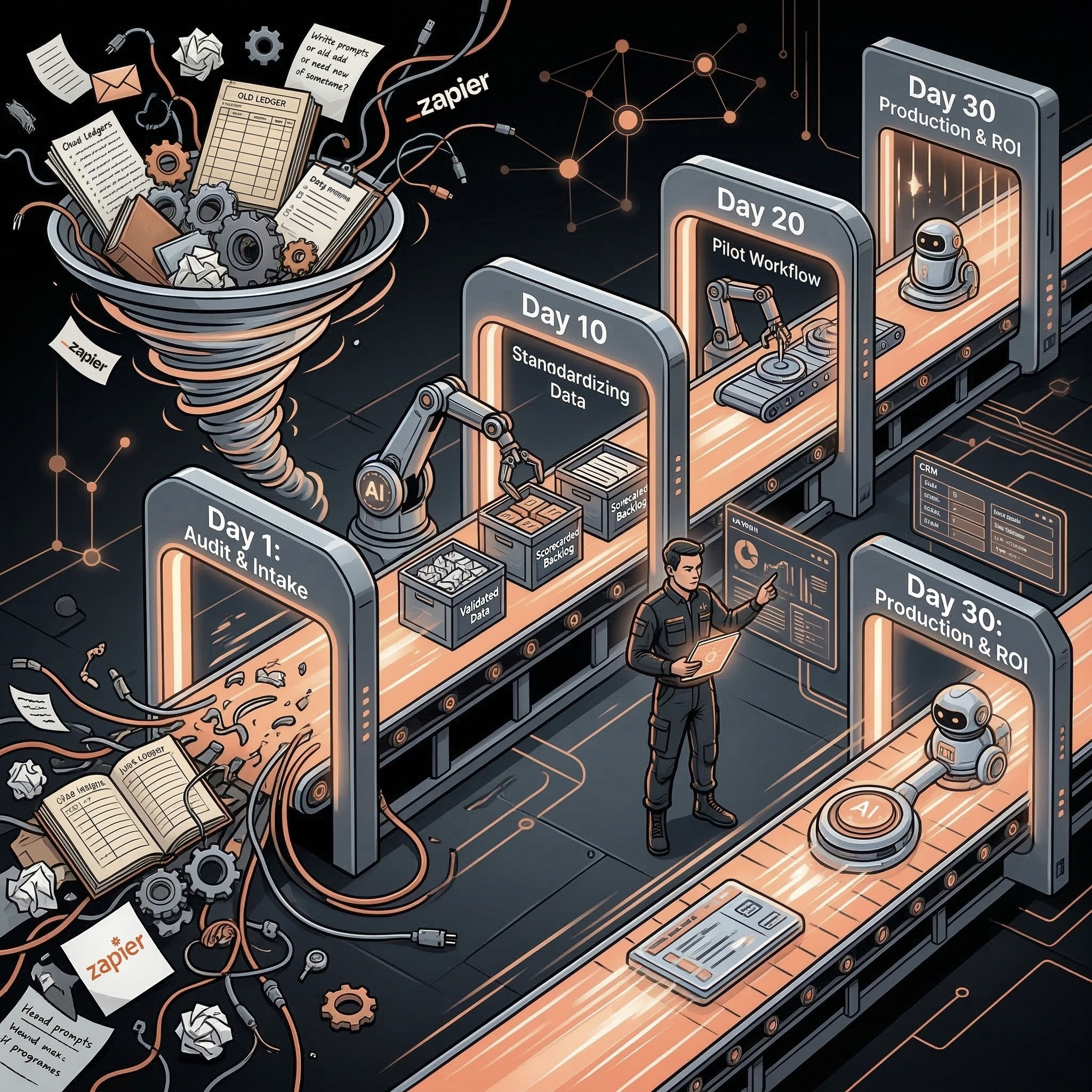
AI automation payback period is the time it takes for monthly labor savings, revenue lift, error reduction, or cycle-time gains to recover implementation and operating costs. SMBs should calculate payback by dividing upfront cost by net monthly value after software, maintenance, review time, and adoption drag are included.
Playbook
Have a workflow to improve?
Discuss an automation project
Working on post-call CRM? Run the free readiness check
AI automation payback period is the time it takes for monthly labor savings, revenue lift, error reduction, or cycle-time gains to recover implementation and operating costs. SMBs should calculate payback by dividing upfront cost by net monthly value after software, maintenance, review time, and adoption drag are included.
Use the AI automation ROI calculator to test these inputs as a bounded scenario before presenting a payback claim.
The payback question is more useful than the price question.
A $12,000 workflow can be cheap if it saves $6,000 a month. A $500 tool can be expensive if it creates cleanup work, risk, or no measurable outcome.
Payback Formula
Metric: Monthly labor savings; Formula: Hours saved per month x loaded hourly cost
Metric: Monthly revenue lift; Formula: Extra qualified opportunities or retained revenue x expected margin
Metric: Monthly error reduction; Formula: Prevented mistakes x average cost per mistake
Metric: Gross monthly value; Formula: Labor savings + revenue lift + error reduction
Metric: Net monthly value; Formula: Gross value - software - maintenance - review cost
Metric: Payback period; Formula: Upfront cost / net monthly value
If net monthly value is not positive, the project does not have a payback period. It has a cost.
Example Payback Scenarios
Workflow: Lead follow-up drafting; Upfront cost: $4,000; Net monthly value: $2,000; Payback period: 2.0 months
Workflow: CRM cleanup assistant; Upfront cost: $6,000; Net monthly value: $1,500; Payback period: 4.0 months
Workflow: Invoice extraction workflow; Upfront cost: $8,000; Net monthly value: $3,200; Payback period: 2.5 months
Workflow: Customer success summaries; Upfront cost: $5,000; Net monthly value: $1,000; Payback period: 5.0 months
Workflow: Proposal automation; Upfront cost: $10,000; Net monthly value: $4,000; Payback period: 2.5 months
These examples are not promises. They show how to think. Your numbers should come from actual workflow volume and manual effort.
Good Payback Ranges for SMBs
Payback period: Under 3 months; Interpretation: Strong candidate; Decision: Prioritize if risk is controlled
Payback period: 3-6 months; Interpretation: Reasonable; Decision: Build if strategic or repeatable
Payback period: 6-12 months; Interpretation: Needs justification; Decision: Require stronger proof or lower scope
Payback period: Over 12 months; Interpretation: Weak for first project; Decision: Defer unless strategically necessary
First AI projects should usually target fast payback. Later projects can be more strategic once the operating model is proven.
Costs SMBs Forget
Cost: Review time; Why it matters: Humans still approve risky outputs
Cost: Maintenance; Why it matters: Prompts, APIs, schemas, and workflows change
Cost: Tool subscriptions; Why it matters: AI, automation, CRM, helpdesk, document tools
Cost: Data cleanup; Why it matters: Bad data reduces automation value
Cost: Adoption time; Why it matters: Teams need to change behavior
Cost: Failure handling; Why it matters: Exceptions and bad outputs need review
Ignoring these costs makes every automation look better than it is.
How to Improve Payback
• Start with high-frequency workflows.
• Choose workflows with clean inputs.
• Keep the first version draft-only or recommendation-only.
• Use existing systems before adding new tools.
• Measure baseline time before build.
• Reduce review time with better approval rules.
• Avoid custom edge cases in the first version.
• Use the same automation pattern across similar workflows.
Payback improves when the workflow is repeatable and the risk controls are simple.
Payback Sensitivity Check
Before approving the project, test how the payback changes when assumptions get worse. This prevents a proposal from depending on perfect adoption.
Assumption to stress-test: Hours saved; Conservative adjustment: Reduce by 25-50%
Assumption to stress-test: Review time; Conservative adjustment: Increase by 25%
Assumption to stress-test: Software cost; Conservative adjustment: Include all paid tools and usage fees
Assumption to stress-test: Maintenance; Conservative adjustment: Add monthly owner or vendor time
Assumption to stress-test: Adoption; Conservative adjustment: Assume partial usage for the first month
Assumption to stress-test: Revenue lift; Conservative adjustment: Count only attributable, likely value
If the project still pays back under conservative assumptions, it is a stronger candidate. If payback disappears when one assumption changes, reduce scope or choose another workflow.
Payback vs Strategic Value
Not every automation has to pay back immediately, but first projects should. Strategic projects can be justified later when the company already has a working AI operating model.
Project type: First pilot; Payback expectation: Fast payback and low risk
Project type: Service page or sales workflow; Payback expectation: Fast or medium payback
Project type: Governance workflow; Payback expectation: May pay back through risk reduction
Project type: Data cleanup; Payback expectation: Indirect payback through better downstream automation
Project type: Experimental agent; Payback expectation: Only after core workflows are stable
This sequence protects budget and builds trust with the team using the automation.
Approval Rule
Use this simple rule before funding the first workflow: if the payback period is not clear, the baseline is not measured, or the human review cost is unknown, run an audit before implementation. Payback math is only useful when it includes the real operating work around the automation.
Related Resources
• AI automation ROI calculator:AI automation ROI calculator
• AI automation pricing for SMBs:AI automation pricing for SMBs
• AI automation for SMBs:AI automation for SMBs
• AI Operator role:AI Operator
• AI operator vs AI agent:AI Operator vs. AI agent
• AI proposal automation:AI quote and proposal automation
• AI automation audit checklist:AI automation audit checklist
FAQs
What is AI automation payback period?
AI automation payback period is the time it takes for the workflow’s net monthly value to recover its upfront implementation cost.
How do you calculate AI automation payback?
Divide upfront implementation cost by net monthly value. Net monthly value should include labor savings, revenue lift, and error reduction minus software, maintenance, review time, and adoption costs.
What is a good payback period for SMB automation?
For a first SMB AI automation project, under three months is strong, three to six months is reasonable, and over twelve months usually needs a stronger strategic reason.
Why do automation ROI calculations fail?
They fail when companies ignore review time, maintenance, bad data, adoption friction, exception handling, and the cost of wrong outputs.
Which workflows usually pay back fastest?
High-frequency workflows with clear inputs often pay back fastest: lead follow-up, CRM cleanup, invoice extraction, proposal drafting, support triage, and account summaries.
Discuss your automation project
Share your workflow, current tools, and desired outcome. This is a project enquiry, not a booked audit or a paid pilot application. Any implementation scope and cost are agreed separately.