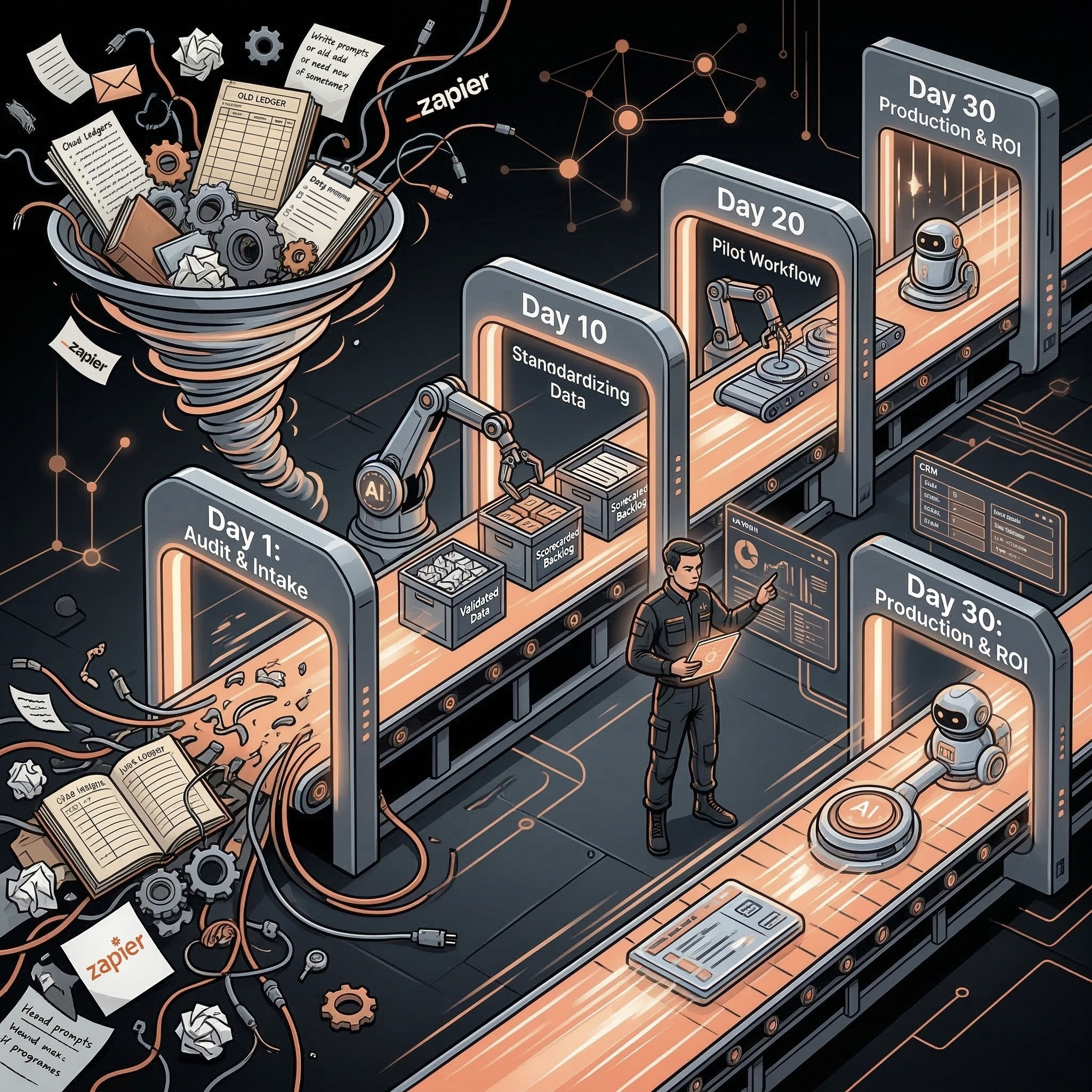
A 30-day AI automation roadmap should take one SMB workflow from audit to controlled pilot, not try to transform the whole company. If you are looking for a 30 day AI automation roadmap, the useful version covers workflow selection, baseline metrics, data cleanup, prototype, human approval rules, live testing, ROI review, and a clear scale-or-stop decision.
Playbook
Have a workflow to improve?
Discuss an automation project
Working on post-call CRM? Run the free readiness check
A 30-day AI automation roadmap should take one SMB workflow from audit to controlled pilot, not try to transform the whole company. If you are looking for a 30 day AI automation roadmap, the useful version covers workflow selection, baseline metrics, data cleanup, prototype, human approval rules, live testing, ROI review, and a clear scale-or-stop decision.
AI automation gets expensive when the first month becomes a strategy workshop, tool hunt, and vague transformation program.
The better first month is narrower. Pick one painful workflow. Prove that AI can improve it. Measure the result. Then decide whether to expand.
The 30-Day Roadmap
Phase: Audit; Days: 1-5; Goal: Choose the workflow and baseline; Output: Workflow brief, baseline, owner
Phase: Design; Days: 6-10; Goal: Define inputs, actions, review rules; Output: Automation map and permission level
Phase: Prototype; Days: 11-17; Goal: Build draft or read-only version; Output: Working internal prototype
Phase: Review; Days: 18-23; Goal: Test real examples and failure cases; Output: QA log and approval matrix
Phase: Launch; Days: 24-28; Goal: Run controlled pilot; Output: Live workflow with human review
Phase: Decide; Days: 29-30; Goal: Evaluate ROI and risk; Output: Scale, revise, or stop decision
This roadmap works because every week has a decision gate. Momentum matters, but uncontrolled momentum creates hidden risk.
Week 1: Audit and Baseline
The first week answers four questions:
• What workflow are we improving?
• How often does it happen?
• How much time, delay, or error does it create?
• Who owns the result?
Audit item: Workflow name; Required answer: One process, not a department
Audit item: Trigger; Required answer: What starts the workflow
Audit item: Inputs; Required answer: Forms, CRM fields, tickets, docs, emails, notes
Audit item: Manual baseline; Required answer: Current time, cycle time, error rate, or lost revenue
Audit item: Owner; Required answer: One accountable business owner
Audit item: Risk; Required answer: What can go wrong if AI is wrong
Do not start with a tool. Start with a workflow that can be measured.
Week 2: Workflow Design
The second week maps what AI can safely do.
Step: Intake; Human role: Confirm input source; AI role: Classify and summarize; Control: Missing-input rule
Step: Draft; Human role: Review output; AI role: Draft reply, note, field, or task; Control: Human approval
Step: Update; Human role: Approve important changes; AI role: Prepare low-risk update; Control: Audit log
Step: Escalate; Human role: Own exceptions; AI role: Flag uncertain cases; Control: Confidence threshold
Step: Report; Human role: Interpret results; AI role: Summarize volume and time saved; Control: ROI review
The design should explicitly say what AI cannot do. Those refusals make the pilot safer.
Week 3: Prototype and Test
Build the smallest working version. For many SMBs, that means AI drafts the output and a human approves it.
Test with:
• Normal examples.
• Messy examples.
• Missing inputs.
• High-value customers.
• Sensitive customer messages.
• Finance or legal edge cases.
• Duplicate records.
• Conflicting data.
If the prototype only works on perfect examples, it is not ready.
Week 4: Launch and Decide
Launch the pilot with a narrow scope and daily review. At the end of the month, decide whether to scale.
Decision: Scale; Evidence needed: Time saved, low error rate, clear owner, stable review path
Decision: Revise; Evidence needed: Value exists but outputs or data need cleanup
Decision: Stop; Evidence needed: Low volume, high risk, unclear ROI, or no owner
Stopping a weak workflow is a good outcome. It saves budget for a workflow that can actually pay back.
Roles and Responsibilities
Role: Workflow owner; Responsibility: Business outcome and approval rules
Role: AI operator; Responsibility: Workflow design, build coordination, QA, ROI tracking
Role: Tool admin; Responsibility: System access, fields, permissions
Role: Reviewer; Responsibility: Human approval and exception notes
Role: Leadership; Responsibility: Scale-or-stop decision
AI automation is not owned by the model. It is owned by the operating system around the model.
Scope Rules for the First Month
The first 30 days should have strict boundaries. Without boundaries, the pilot turns into a custom operations rebuild.
Rule: One workflow only; Why it matters: Keeps value measurable
Rule: One business owner; Why it matters: Prevents shared-accountability failure
Rule: One primary system of record; Why it matters: Avoids integration sprawl
Rule: One success metric; Why it matters: Makes scale-or-stop objective
Rule: Draft or review-first permissions; Why it matters: Keeps risky actions controlled
Rule: Weekly review meeting; Why it matters: Catches adoption and data issues early
The roadmap should also define what is explicitly out of scope. For example, a lead follow-up pilot should not also rebuild source attribution, create a full sales playbook, and automate proposal pricing. Those may matter later, but they should not be hidden inside the first AI pilot.
Scale Plan After Day 30
If the pilot works, the next step is not “automate everything.” The next step is to reuse the same pattern in an adjacent workflow.
Pilot result: Lead follow-up works; Next expansion: Add proposal draft or CRM cleanup
Pilot result: CRM cleanup works; Next expansion: Add pipeline reporting summary
Pilot result: Account summary works; Next expansion: Add churn-risk review queue
Pilot result: Document extraction works; Next expansion: Add exception routing and approval tasks
Repeatable patterns create compounding value. One-off automations create maintenance debt.
Related Resources
• AI automation for SMBs:AI automation for SMBs
• AI Operator role:AI Operator
• AI operator vs AI agent:AI Operator vs. AI agent
• AI readiness audit:AI readiness audit for SMBs
• AI agent governance:AI agent governance for SMBs
• AI automation ROI calculator:AI automation ROI calculator
• AI automation audit checklist:AI automation audit checklist
FAQs
Can an SMB launch AI automation in 30 days?
Yes, if the scope is one workflow with clear inputs, measurable value, and human review. A company-wide AI transformation should not be the first 30-day goal.
What should the first AI automation project be?
Choose a repeated workflow with clear inputs, obvious manual effort, low initial risk, and a named owner. Lead follow-up, CRM cleanup, document intake, and account summaries are common options.
What should happen in week one?
Week one should define the workflow, baseline manual effort, owner, inputs, risk, and success metric. Do not start by choosing tools.
When should a pilot scale?
Scale when the workflow saves measurable time or money, produces reliable outputs, has a clear owner, and has stable human approval rules.
What is the biggest risk in a 30-day roadmap?
The biggest risk is expanding scope before the first workflow is proven. Keep the first roadmap narrow enough to verify.
Discuss your automation project
Share your workflow, current tools, and desired outcome. This is a project enquiry, not a booked audit or a paid pilot application. Any implementation scope and cost are agreed separately.