Not all AI automation requires enterprise budgets. These 10 implementations deliver measurable ROI within 60 days at SMB-friendly price points.
The AI market has a visibility problem. Enterprise case studies dominate the conversation: seven-figure implementations, dedicated data science teams, 18-month transformation programs. It's easy to conclude that meaningful AI requires resources most SMBs don't have.
That conclusion is wrong. The same AI capabilities that power enterprise solutions are now available as affordable SaaS tools. What used to require a data science team can now be configured in an afternoon. What used to cost $50K is now $500/month.
Here are 10 AI automations that deliver real ROI at prices SMBs can afford—organized from quickest wins to longer-term investments.
Automation
Have a workflow to improve?
Discuss an automation project
Working on post-call CRM? Run the free readiness check
The ROI Threshold for AI Automation
Before diving into tools, let’s establish the math. How do you know if an AI automation is worth the investment?
The basic calculation: (Hours saved per month × Hourly cost of that labor) vs. Monthly tool cost. If the first number is at least 3x the second, the automation is clearly worth it. Between 1-3x, it depends on qualitative benefits. Below 1x, it’s a bad investment.
Example: An AI tool costs $100/month and saves 10 hours of work that would cost $40/hour. That’s $400 in labor savings for $100 in tool cost—a clear 4x ROI.
What’s often overlooked: Time savings aren’t always obvious. A tool that saves your CEO 3 hours a month is worth more than one saving an intern 10 hours. Calculate ROI based on the actual people affected and what their time is worth.
Quick Wins: 5 Automations You Can Implement This Week
These tools require minimal setup, deliver immediate value, and cost less than $100/month.
1. Meeting Transcription and Summary ($15-30/month)
What it does: Records meetings, transcribes automatically, generates summaries with action items, and makes conversations searchable.
Why it matters: The average employee spends 31 hours per month in meetings. If 20% of that time is wasted on “what did we decide?” and catching up colleagues who missed meetings, that’s 6+ hours recovered.
Implementation time: 15 minutes. Connect to your calendar; it joins meetings automatically.
Tools to consider: Otter.ai, Fireflies.ai, tl;dv, Fathom (free tier available).
2. Email Drafting and Response ($20-50/month)
What it does: Generates first drafts of emails based on brief prompts, suggests responses to incoming emails, and adapts to your writing style over time.
Why it matters: Professionals spend 2.5 hours daily on email. Even cutting composition time by 30% saves 45 minutes daily—15+ hours monthly per person.
Implementation time: 30 minutes to install and configure preferences.
Tools to consider: Superhuman (premium), Shortwave, ChatGPT Plus with Gmail extensions, Claude via API for custom solutions.
3. Customer Support Ticket Triage ($30-80/month)
What it does: Automatically categorizes incoming support tickets, routes to appropriate team members, suggests relevant help articles, and drafts initial responses.
Why it matters: Ticket routing is pure overhead—it doesn’t help customers, just moves information around. Automating it frees support time for actually solving problems.
Implementation time: 1-2 hours if your help desk supports integrations.
Tools to consider: Intercom Fin, Zendesk AI, Freshdesk Freddy, Help Scout AI (most have AI add-ons to base plans).
4. Social Media Content Repurposing ($30-60/month)
What it does: Takes long-form content (blog posts, podcasts, videos) and automatically generates social media posts, thread variations, and platform-specific adaptations.
Why it matters: Content repurposing is mechanical but time-consuming. One blog post should become 5-10 social posts, but most teams never get around to it.
Implementation time: 1 hour to set up workflows and templates.
Tools to consider: Repurpose.io, ContentStudio, Lately.ai, Taplio (for LinkedIn specifically).
5. Document Q&A for Internal Knowledge ($20-50/month)
What it does: Indexes your internal documents (policies, procedures, past projects) and lets employees ask natural language questions to find information.
Why it matters: Employees spend 1.8 hours daily searching for information. Even modest improvements in findability pay back quickly across a team.
Implementation time: 2-3 hours to upload initial documents and configure access.
Tools to consider: Notion AI, Slite Ask, Guru, Tettra, ChatGPT with custom GPTs for document sets.
Growth Drivers: 5 Automations Worth the Investment
These tools cost more and require more setup, but deliver proportionally larger impact. Expect 1-2 weeks to fully implement and $200-500/month investment.
6. Automated Lead Research and Enrichment ($150-300/month)
What it does: Takes new leads and automatically researches their company, finds relevant news, identifies key contacts, and summarizes findings for sales outreach.
Why it matters: Sales research is essential but time-intensive. Automating the gathering phase lets reps focus on the thinking phase—crafting personalized approaches.
ROI example: If research takes 15 minutes per lead and you process 100 leads monthly, that’s 25 hours. At $50/hour effective cost, you’re saving $1,250/month for a $200 tool.
Tools to consider: Clay, LeadIQ with AI enrichment, Apollo.io, Clearbit.
7. Proposal and Quote Generation ($100-250/month)
What it does: Generates customized proposals based on templates, CRM data, and conversation history. Adapts language and pricing based on client profile.
Why it matters: Proposals are often bottlenecks. Sales might wait days for a proposal that could be generated in minutes. Speed-to-quote directly affects close rates.
ROI example: Reducing proposal time from 2 hours to 20 minutes on 20 proposals monthly saves 33 hours. Plus, faster proposals mean more deals closed.
Tools to consider: PandaDoc with AI assist, Proposify, Qwilr, HubSpot quotes with AI.
8. Invoice Processing and Reconciliation ($200-400/month)
What it does: Extracts data from invoices automatically, matches against purchase orders, flags discrepancies, and routes for approval.
Why it matters: Manual invoice processing costs $12-15 per invoice in labor. AI processing drops this to $2-3. At scale, the savings are substantial.
ROI example: Processing 200 invoices monthly with $10 savings each = $2,000 monthly savings for a $300/month tool.
Tools to consider: Bill.com with AI, Stampli, Tipalti, Rossum, Docsumo.
9. Call Analysis and Coaching ($200-400/month)
What it does: Analyzes sales calls for talk ratio, question frequency, objection handling, and provides coaching suggestions. Surfaces patterns across your team.
Why it matters: Sales managers can only listen to a fraction of calls manually. AI can analyze every call, identifying coaching opportunities that would otherwise be missed.
ROI example: A 10% improvement in win rate on a $500K pipeline equals $50K additional revenue. Even 2-3% improvements pay back the tool many times over.
Tools to consider: Gong (higher end), Chorus, Avoma, Wingman (more affordable).
10. Content Brief and Outline Generation ($100-200/month)
What it does: Creates SEO-optimized content briefs, generates article outlines, suggests headers, and identifies key topics to cover based on competitive analysis.
Why it matters: Content planning is often the bottleneck, not content creation. AI can handle the research and structuring, letting writers focus on the actual writing.
ROI example: Reducing brief creation from 2 hours to 15 minutes on 10 pieces monthly saves 17.5 hours. Plus, better briefs produce better content.
Tools to consider: Clearscope, Frase, MarketMuse, SurferSEO, Content Harmony.
How to Stack Automations for Multiplied Impact
Individual automations are useful. Connected automations are transformative. Here’s how to think about building AI workflows.
The Sales Stack
Lead enrichment → Call analysis → Proposal generation. New leads are automatically researched. Sales calls are analyzed for what resonated. That intelligence feeds into proposal generation. Each tool makes the next more effective.
The Content Stack
Brief generation → Content creation → Repurposing. AI creates SEO-optimized briefs. Writers (or AI) create content. That content is automatically repurposed across channels. One piece of thinking becomes dozens of distribution points.
The Operations Stack
Document Q&A → Meeting transcription → Email drafting. Questions get answered from your knowledge base. Meetings are recorded and summarized. Follow-up emails are drafted automatically. Information flows without manual handoffs.
What’s often overlooked: The integration layer is as important as the individual tools. Make sure your tools can talk to each other—either through native integrations or through a connector like Zapier or Make. A stack that requires manual data transfer isn’t really a stack.
Getting Started
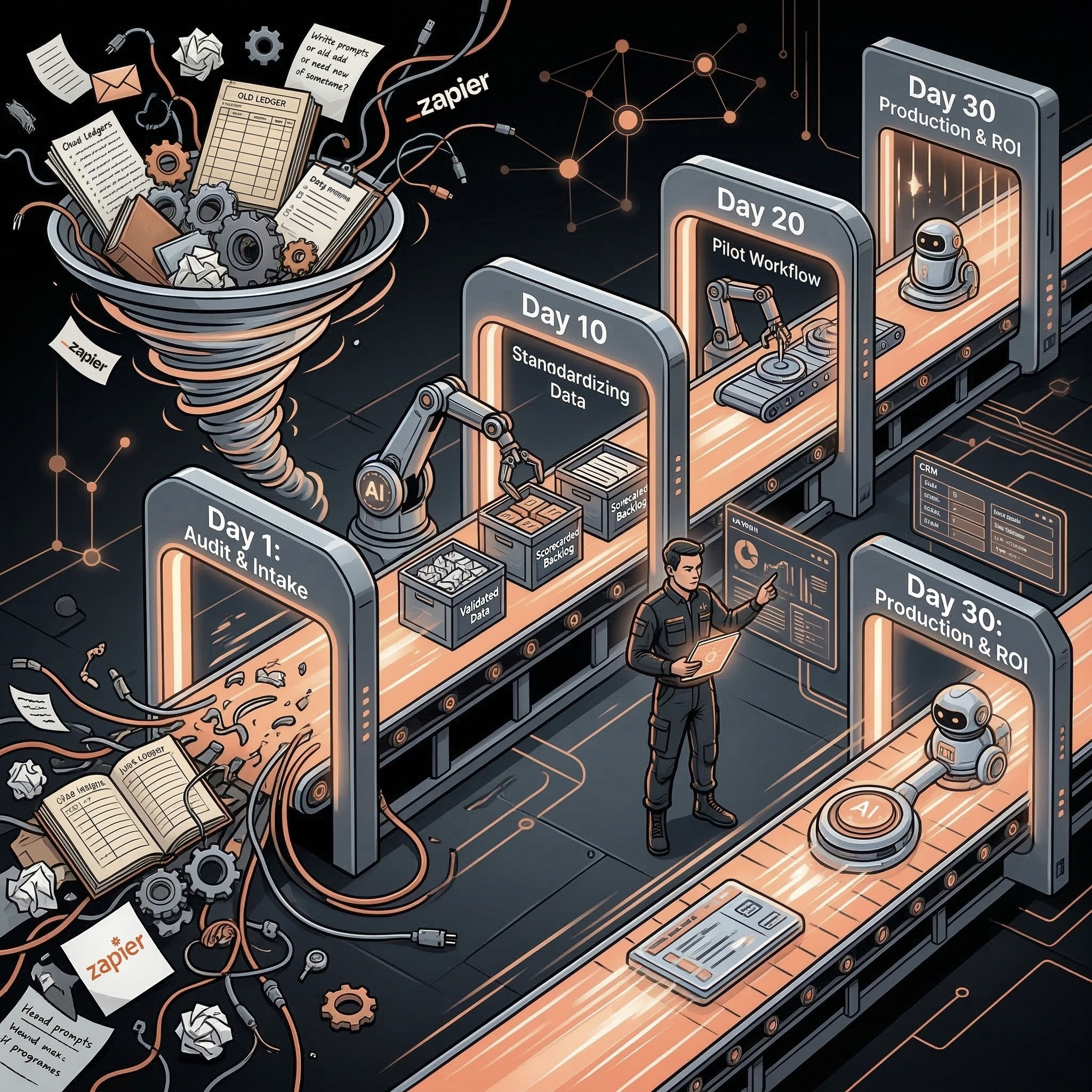
Don’t try to implement all 10 at once. Pick one from the Quick Wins list. Implement it this week. Measure the results for 30 days. If it works, add another. If it doesn’t, try a different one.
The goal isn’t to maximize AI usage—it’s to maximize value captured. Some of these tools will transform your operations. Others won’t fit your specific situation. The only way to know which is which is to start experimenting.
AI automation at the SMB level isn’t about having the biggest budget. It’s about finding the highest-leverage applications for your specific business and implementing them well. Start small, prove value, then scale.